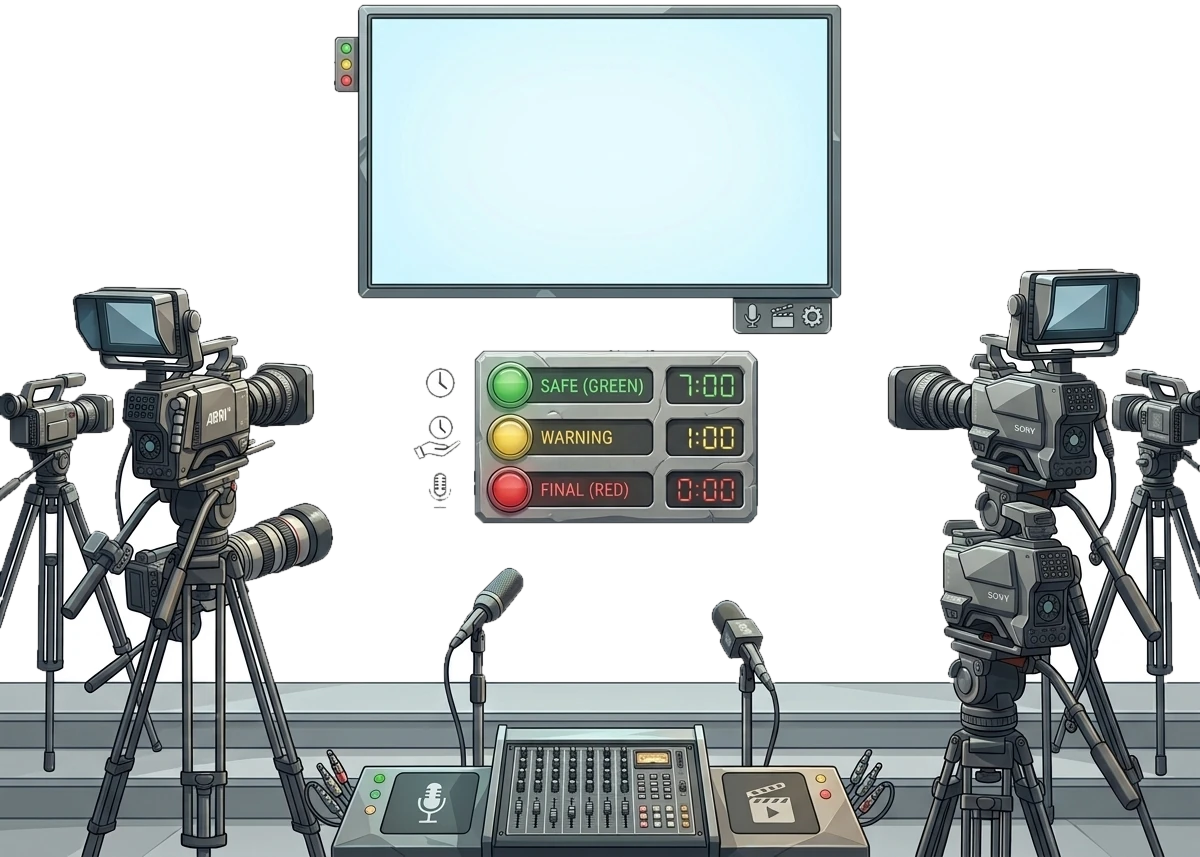
PresentationTimer colors are remaining-time states. Green is safe time. Yellow and Red are thresholds you set. Overtime begins at 0:00 and stays on screen.
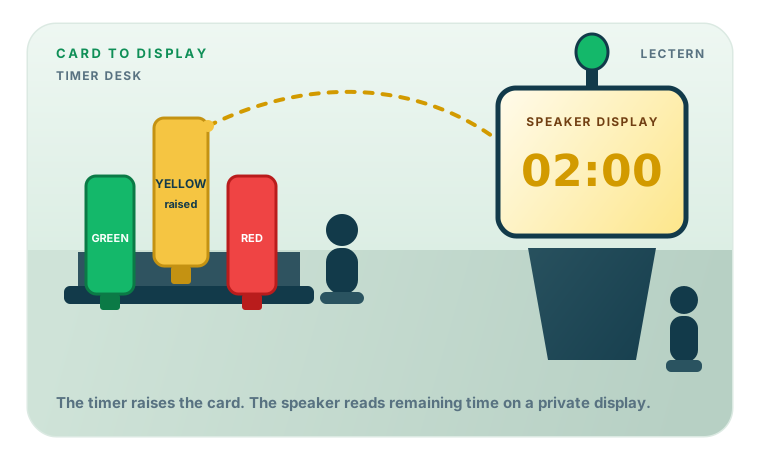
Paper cards are elapsed-time signals: on a 5-7 minute speech, green is often shown at 5:00, yellow at 6:00, and red at 7:00. PresentationTimer changes color by time remaining. Set duration to the maximum, then set Yellow to the first cue the speaker must notice, usually the green-card moment.
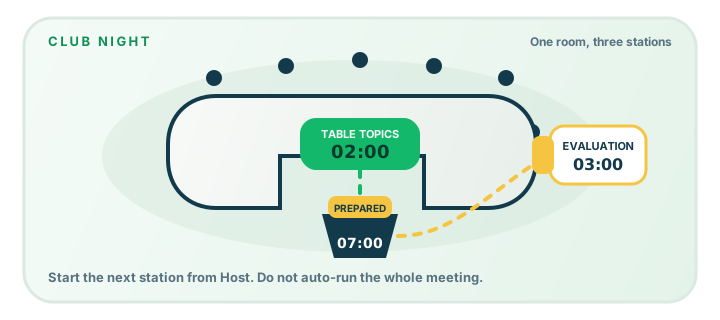
Confirm times with your club. The examples below are common 1-2, 5-7, and 2-3 minute windows, not a substitute for club guidelines.
Keep sound on the timer's device. Use Display or Speaker view for the visual signal so a chime does not play through the meeting microphone.