PT
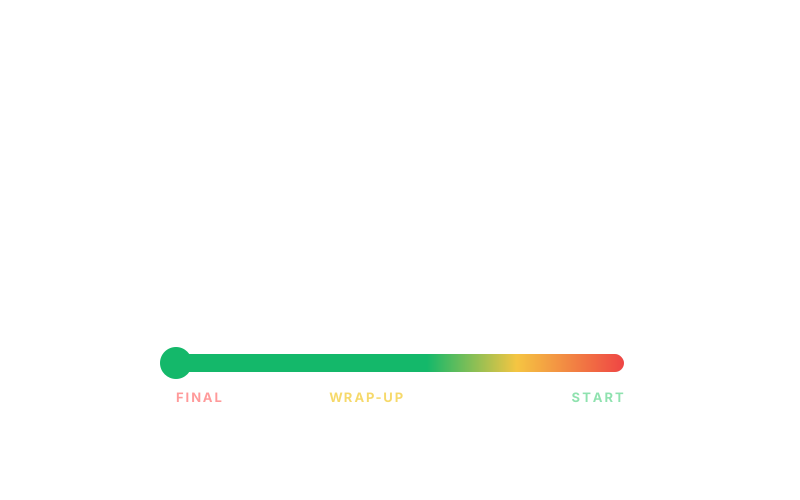
Safe greenWarning yellowOvertime red

Free online presentation timer for speakers and live events.

Create a synchronized timer room with host controls, a full-screen speaker display, color-coded warning cues, and overtime tracking. Use it for talks, webinars, classrooms, pitch events, and meetings without installing an app.

No account required
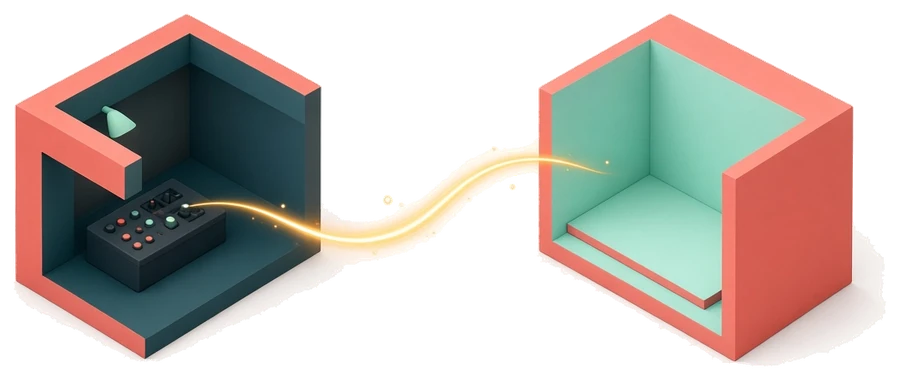
Host controls the clock
Shareable speaker display
Overtime remains visible
See what it does
Animated PresentationTimer speaker display

Why it helps

Presentations slip when time is invisible.

A presentation timer is not just a countdown. It is a coordination tool for everyone responsible for keeping a talk, meeting, workshop, or live session moving.

Private timers are easy to miss

A phone timer only helps the person holding it.

In a real presentation, the speaker, host, producer, and room display often need the same time signal. A shared presentation timer keeps that signal visible instead of hidden on one device.


Verbal warnings interrupt the talk

Time cues should be clear without breaking focus.

Color states let speakers understand when they are safe, close to the end, or over time. Hosts can guide the room without cutting into the speaker's flow.

Remote rooms drift out of sync

Screen shares and second devices need one source of truth.

Use the display link on a webinar screen share, stage monitor, classroom projector, or assistant laptop so everyone follows the same countdown.

Capabilities

Everything a host needs to keep a presentation on time.

A useful speaker timer has to be visible, shareable, and simple under pressure. PresentationTimer gives the host control of the countdown while the speaker display follows along in real time.

Create a free timer room

Start an online presentation timer room in seconds. The host gets the control page, and the display link is ready to share.

Share a speaker display

Open a clean full-screen timer on a confidence monitor, classroom screen, meeting display, or webinar screen share.

Control timing as the host

Start, pause, reset, and adjust the presentation timer from the host view while speakers follow the shared display.

Use warning and overtime cues

Use green, yellow, red, and overtime states so speakers know when to keep going, wrap up, or stop.

How it works

A simple room flow for hosts, speakers, and display screens.

The tool is built around the way presentations actually run: one person controls timing, while one or more people need a readable display that follows the same clock.

1

Create a timer room

Start with a default presentation timer. No account or installation is required for the basic room flow.

2

Control it as the host

Use the host view to start, pause, reset, change duration, and keep the room on schedule.

3

Share the display link

Open the speaker display on a second screen, confidence monitor, classroom projector, or webinar share.

4

Let speakers follow the cues

The timer stays readable as it moves through green, yellow, red, and overtime states.

Timer states

Red, yellow, and green make timing obvious.

Good timing feedback should work at a glance. Speakers should not need to read a tiny note or ask how much time is left.

Green

Safe time

The speaker still has room to develop the point, finish the demo, or move through the next slide without rushing.

Yellow

Wrap-up cue

The talk is approaching the limit. Speakers can start closing the section before the host has to intervene.

Red

Overtime pressure

The session is at or past the limit. Overtime stays visible so the room can recover the schedule honestly.

Free starter

Start free with one focused presentation timer room.

The current product covers the core job: create a timer, control it as the host, and share a live speaker display. Future team features can add agendas, templates, branding, and multi-room control when events need more structure.

FAQ

Answers for hosts comparing online presentation timers.

What is an online presentation timer?+

An online presentation timer is a browser-based timer that helps hosts, speakers, and audiences see how much time remains. PresentationTimer adds a host control page, a shareable speaker display, color warnings, and overtime tracking.

How does PresentationTimer work?+

Create a timer room, open the host control page, and share the display link with a speaker screen or second device. The display follows the host timer so everyone sees the same countdown.

Can I use it for webinars and remote meetings?+

Yes. Use the display link in a screen share, webinar, remote meeting, or second browser window so speakers, hosts, and producers can follow the same presentation timer.

Do speakers need to install anything?+

No. PresentationTimer runs in the browser. Speakers and display devices can open the shared timer link without installing a separate app.

Why use it instead of a phone timer?+

A phone timer is private, easy to miss, and hard to share with a room. PresentationTimer makes time visible with a large display, host controls, warning colors, and overtime tracking.

What problems does PresentationTimer solve for hosts?+

It helps hosts avoid hidden timers, late verbal interruptions, unclear wrap-up cues, and disconnected remote displays. The host controls the clock while speakers follow a visible display.

Who is PresentationTimer useful for?+

It is useful for event hosts, webinar teams, teachers, workshop leaders, founders, sales teams, and anyone who needs a visible timer for talks, demos, meetings, or live sessions.

Is PresentationTimer free?+

Yes. The current version lets you create a free single-timer room for a talk, class, demo, meeting, webinar, or live event session.