Host
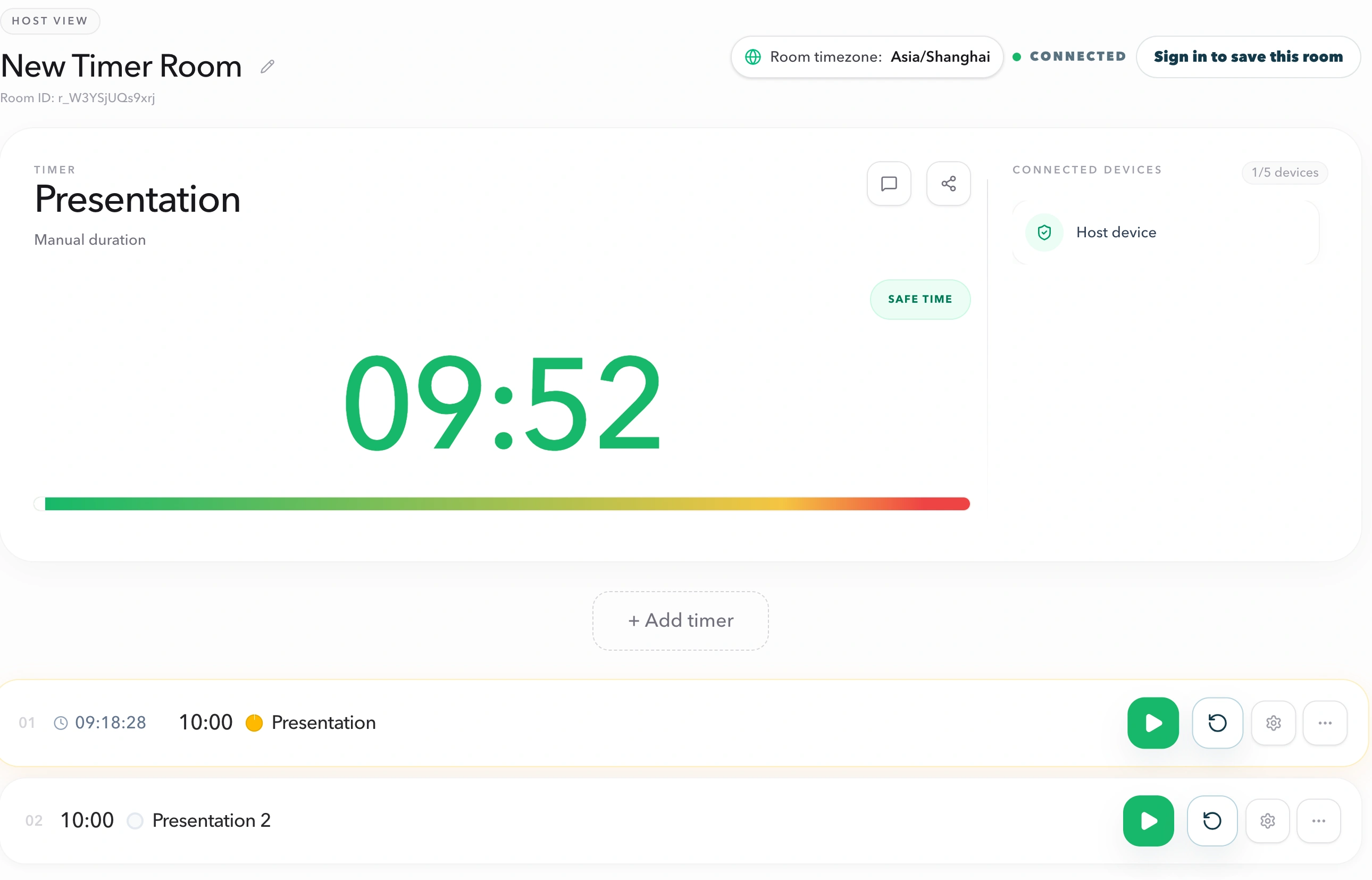
Controls the active timer, agenda, sharing, and live display message.
Professional live timing
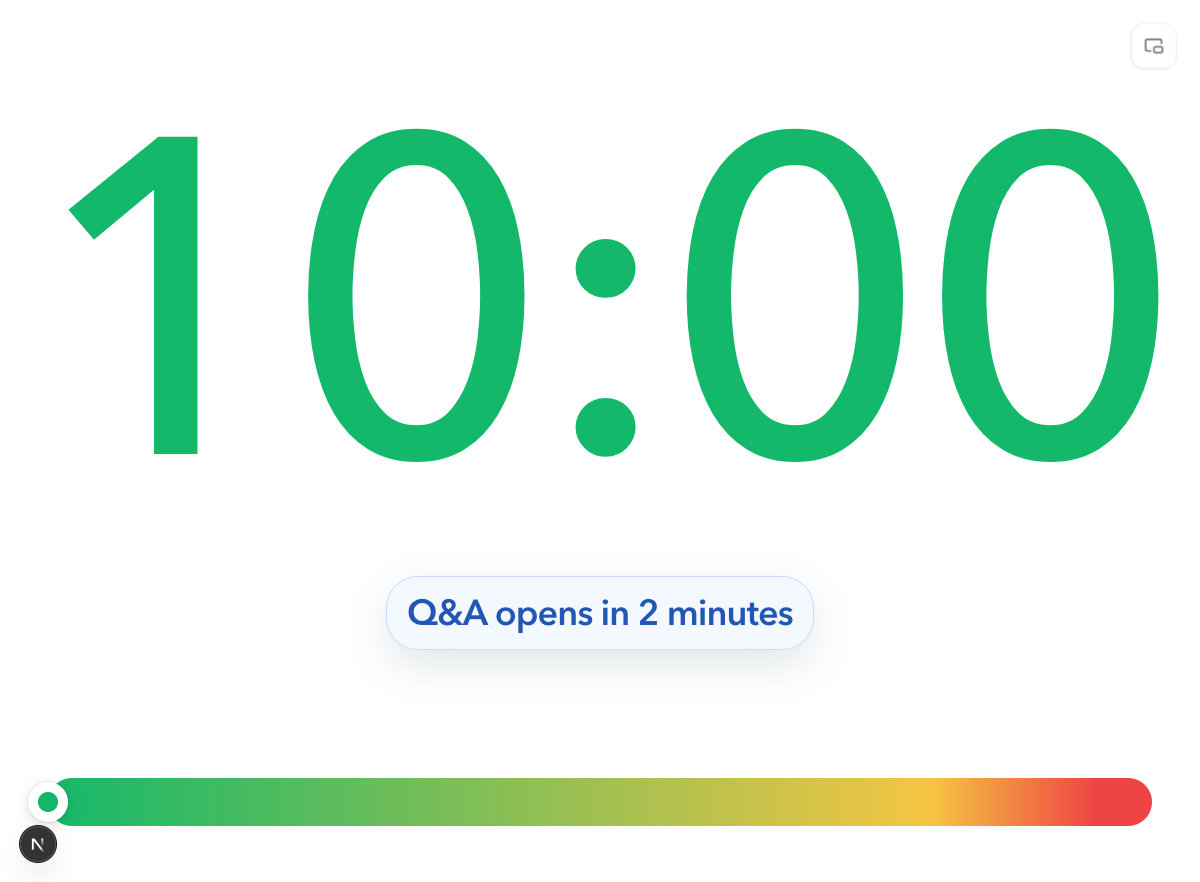
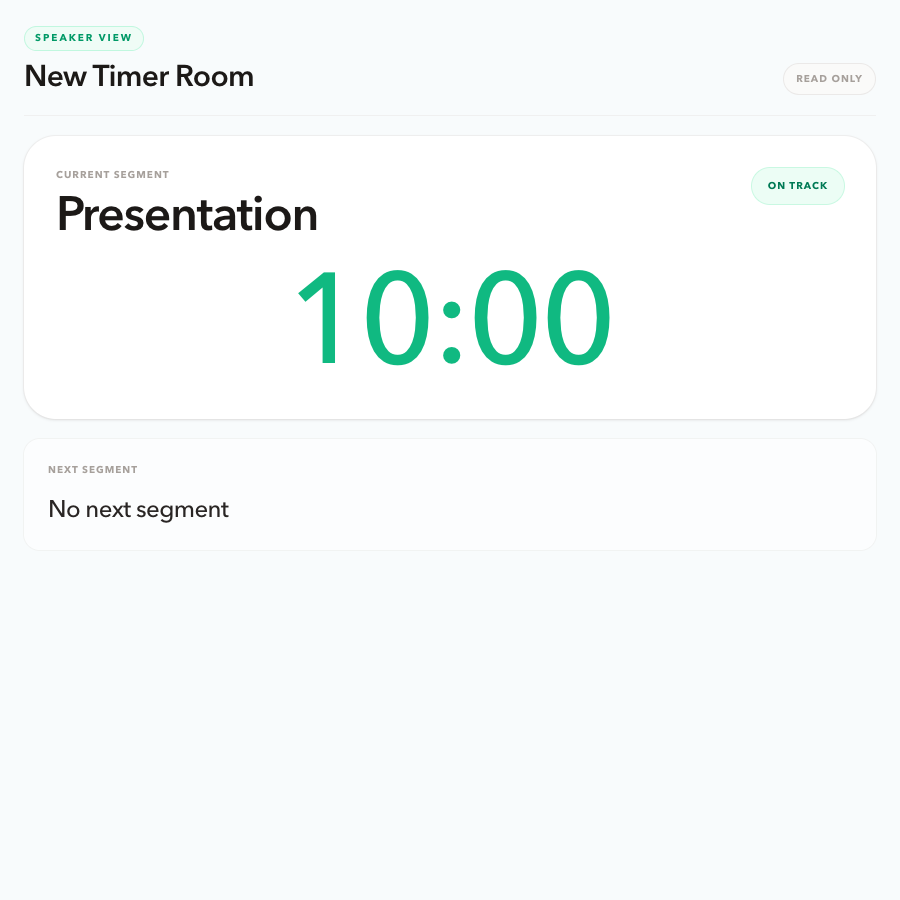
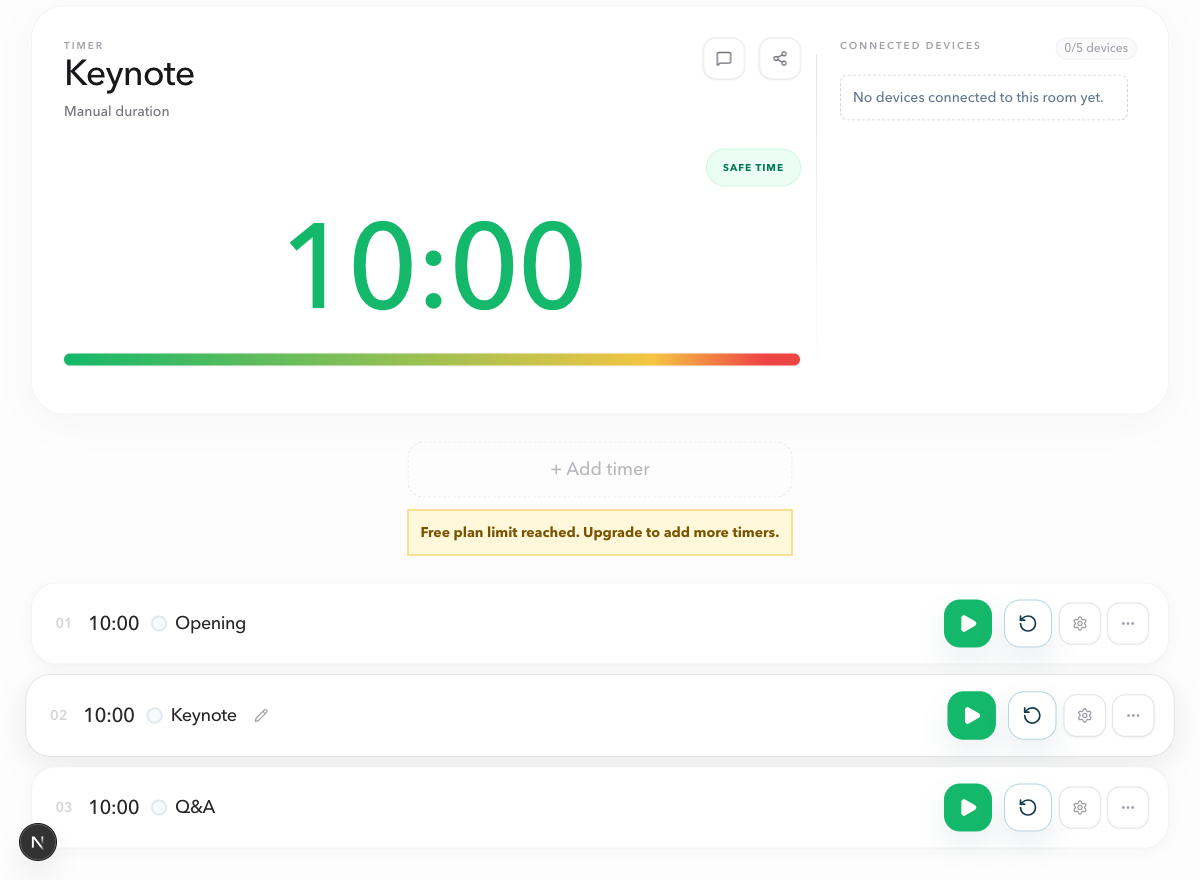
PresentationTimer starts with one shared timer room. Add only the tools your session needs: a private Host workspace, the right read-only views, a live agenda, a reusable setup, and concise cues for the room.
One room
Keep the active timer, agenda, and shared views connected to the same live room.
Five focused tools
Choose controls, shared timing, agenda, room reuse, and live prompts as the flow needs them.
Clear boundaries
The Host controls the room while every shared view remains focused and read-only.
Feature library
Start with the part of the workflow that needs clarity. Each feature page explains the role boundary, the setup sequence, and the sessions it serves.
Private control
Run the active timer, manage the agenda, and decide which role-specific links to share while keeping timing control private.
Explore featureRead-only timing
Give the room a large shared clock, or a Pro custom Display with logo, background, and canvas size. Speakers still get a focused personal cue without Host controls.
Explore featureMulti-segment timing
Build the run of show once, guide handoffs between segments, and give the team a shared view of what is happening next.
Explore feature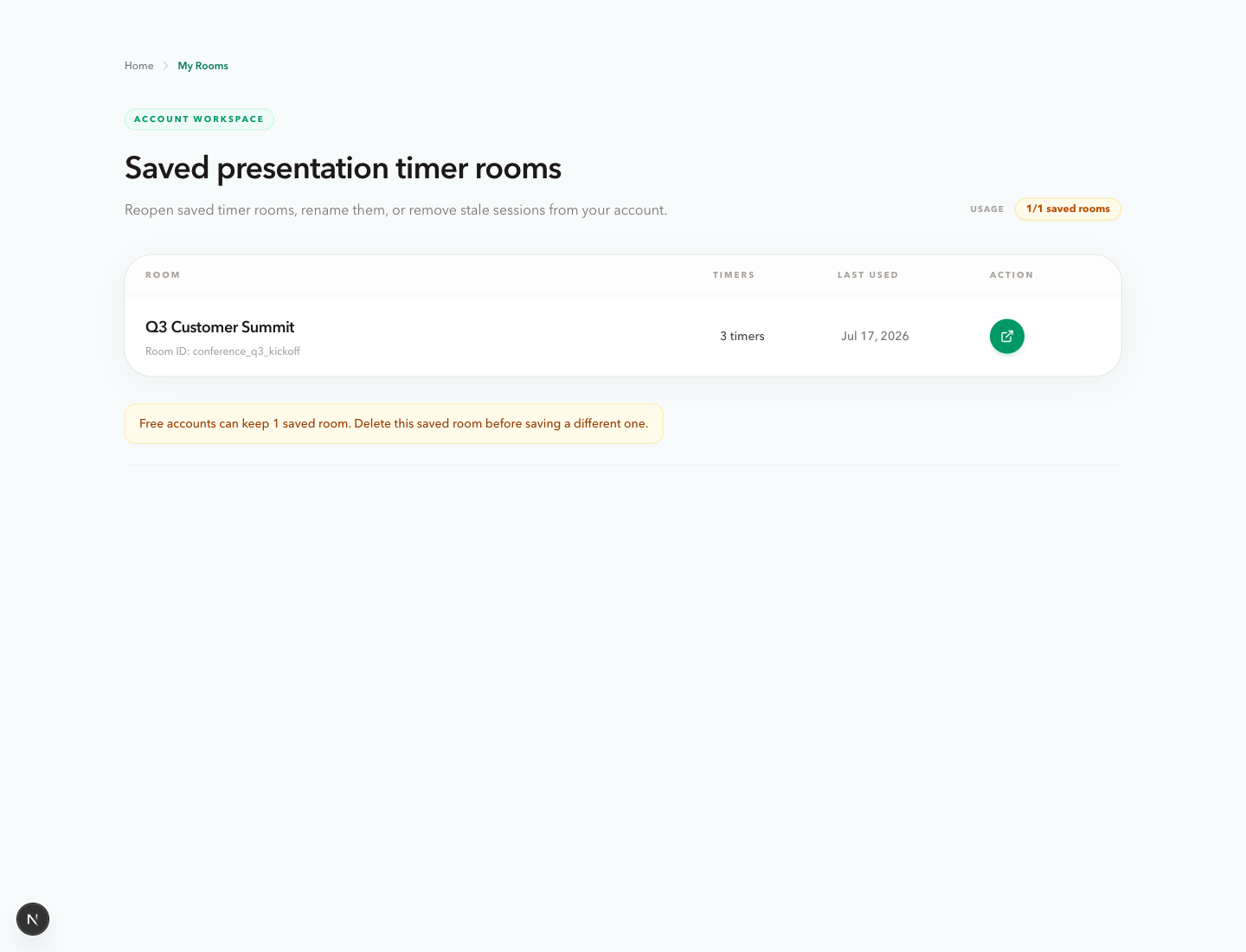
Reusable setup
Save a prepared timer room to a Google account, reopen its latest configuration, and keep recurring sessions ready to run.
Explore featureRoom-wide live cues
Show a concise Host-written prompt beside the live countdown, then clear it when the next action is complete.
Explore featureOne room, clear roles
The features above work together around the same room. Host View remains the control point while the other views make the live state useful to the people who need to follow it.
Host
Controls the active timer, agenda, sharing, and live display message.
Display
Shows the room a large active timer, or a custom Display with logo, background, and canvas size.
Speaker
Gives a presenter a quiet view of time remaining and what follows.
Moderator
Keeps a facilitator aware of the current and next session segment.
Agenda
Shares the live run of show without exposing backstage controls.
Start with the live room
Use cases explain how to combine the same features for conferences, webinars, meetings, panels, classrooms, and speeches.